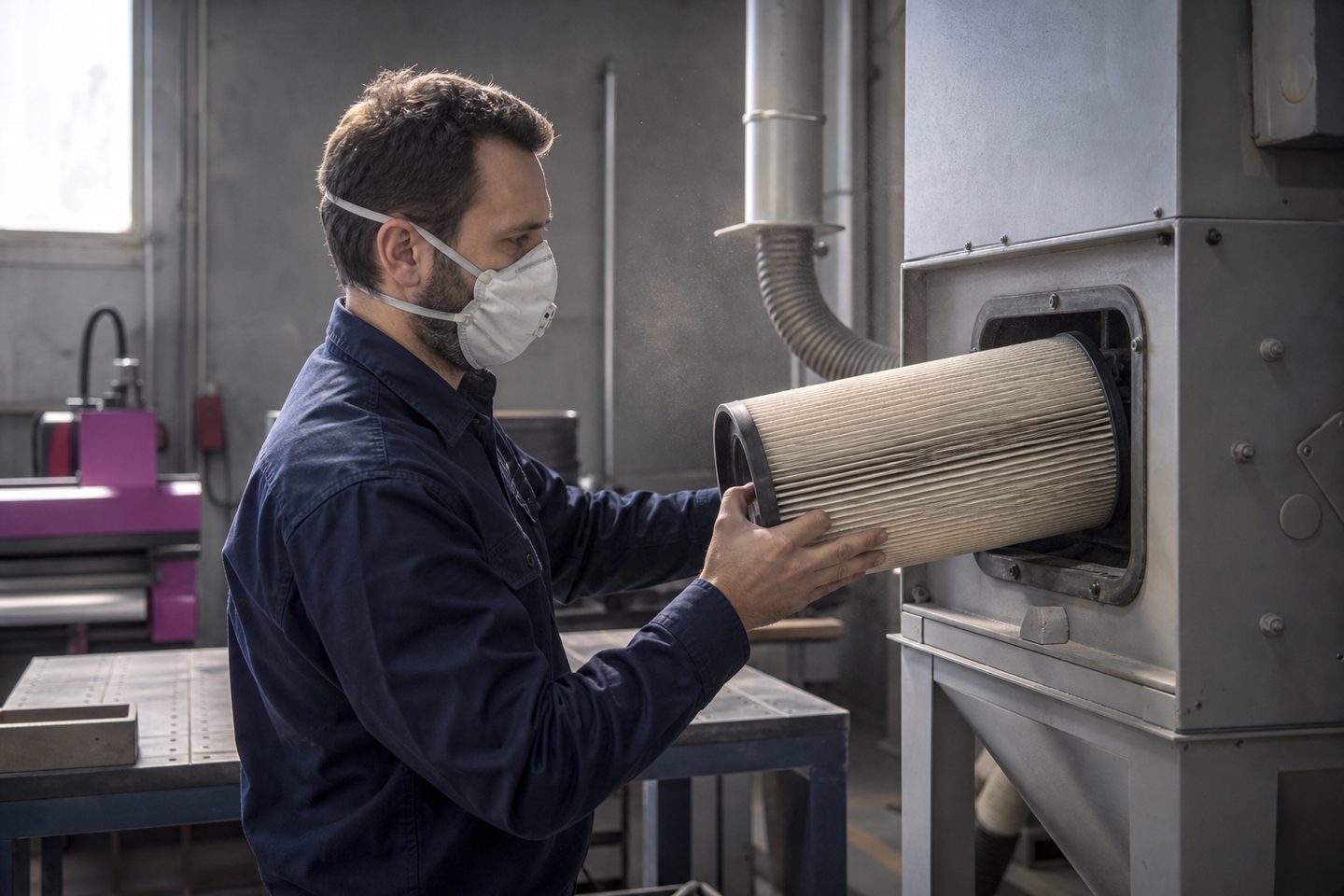
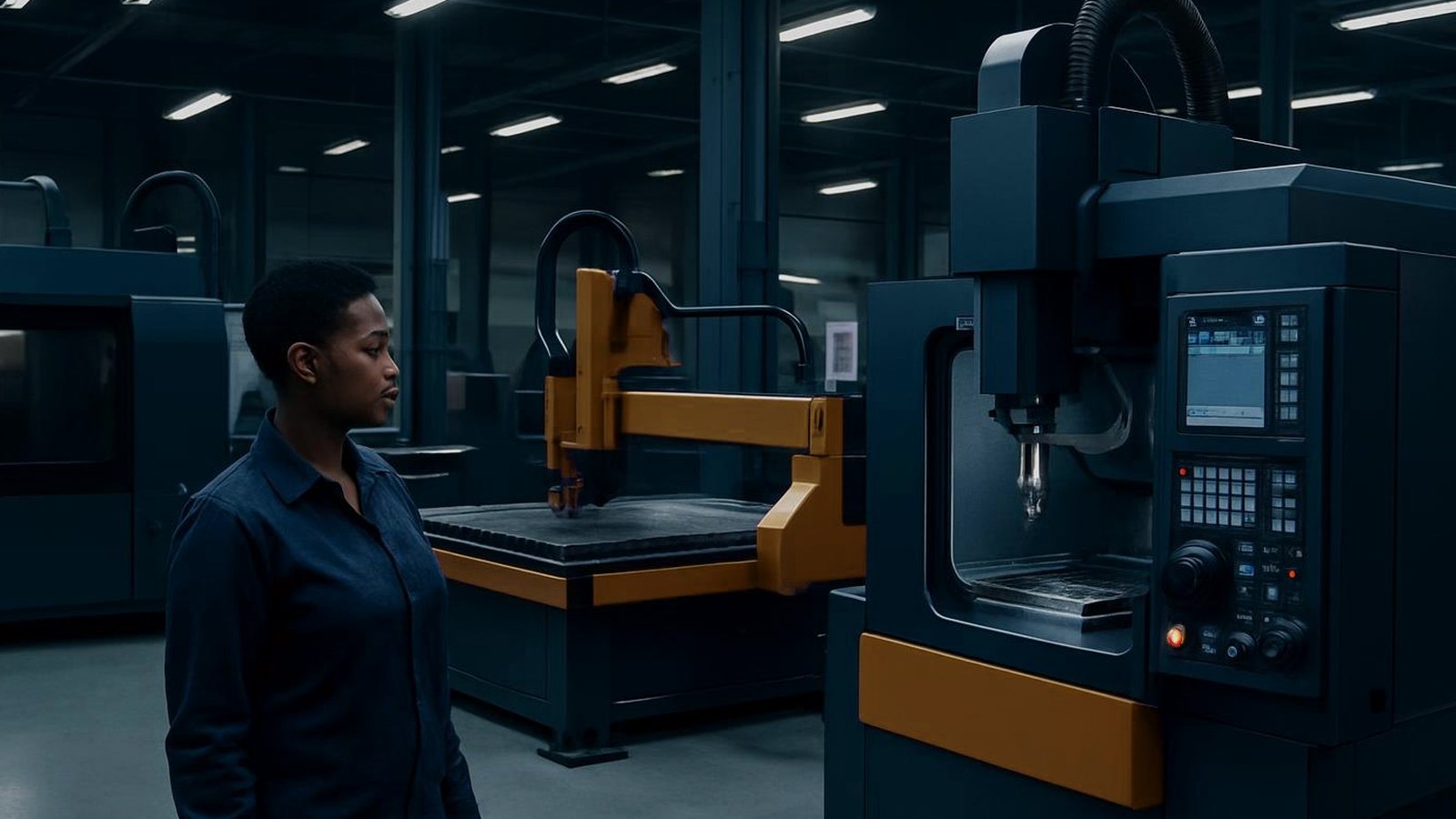
Our dust filter log helps workshop teams stay on top of filter changes for CNC routers, engravers, mills and laser markers with extraction. Keep track of maintenance and spot problems early.
A dust filter log is essential for shared CNC, fabrication or training bays using filtered extraction on routers, mills or laser markers. It is designed for production teams, training centres and busy workshops where more than one person is responsible for machine maintenance. When several operators or shifts use the same extraction or filtration, a written log keeps everyone accountable and shows when a filter was last checked or changed.
Shops in Gauteng, Cape Town, Gqeberha or Durban all benefit, especially where fine dust, MDF, metals or plastics are cut. Humid air at the coast often clogs filters faster, while Highveld shops deal with dry dust and static. Using this log helps you meet health and safety rules under the OHS Act and ensures your dust extraction runs at its best.
The dust filter log is a single printable card you pin up near the machine or extraction system. It has clear fields for the date, machine, filter type, operator initials and any notes. Recording each filter service or change by hand builds a visible record everyone can check at a glance.
To fill in the log, use a permanent marker or ballpoint. Each time a filter is checked, cleaned or replaced, enter the date, tick the action, write your initials and add a short comment if needed, for example if a lot of dust was collected or if the filter was damaged.
Review the dust filter log regularly during equipment or safety checks. Over a month, you should see a clear pattern of when filters are serviced. If you notice several changes in a short time, this could point to a problem like a blocked duct, missing fume hood or excessive dust from a certain job. Use the comments field to flag anything unusual for follow-up.
If the log fills up quickly, consider changing your maintenance schedule or adding more frequent checks. When a filter is found damaged or extraction seems weak, stop and investigate before running the machine again. Keeping a physical log at each bay ensures maintenance is not missed, especially if there are power cuts, lost paperwork or multiple teams. You can request the latest printable dust filter log through our contact form.