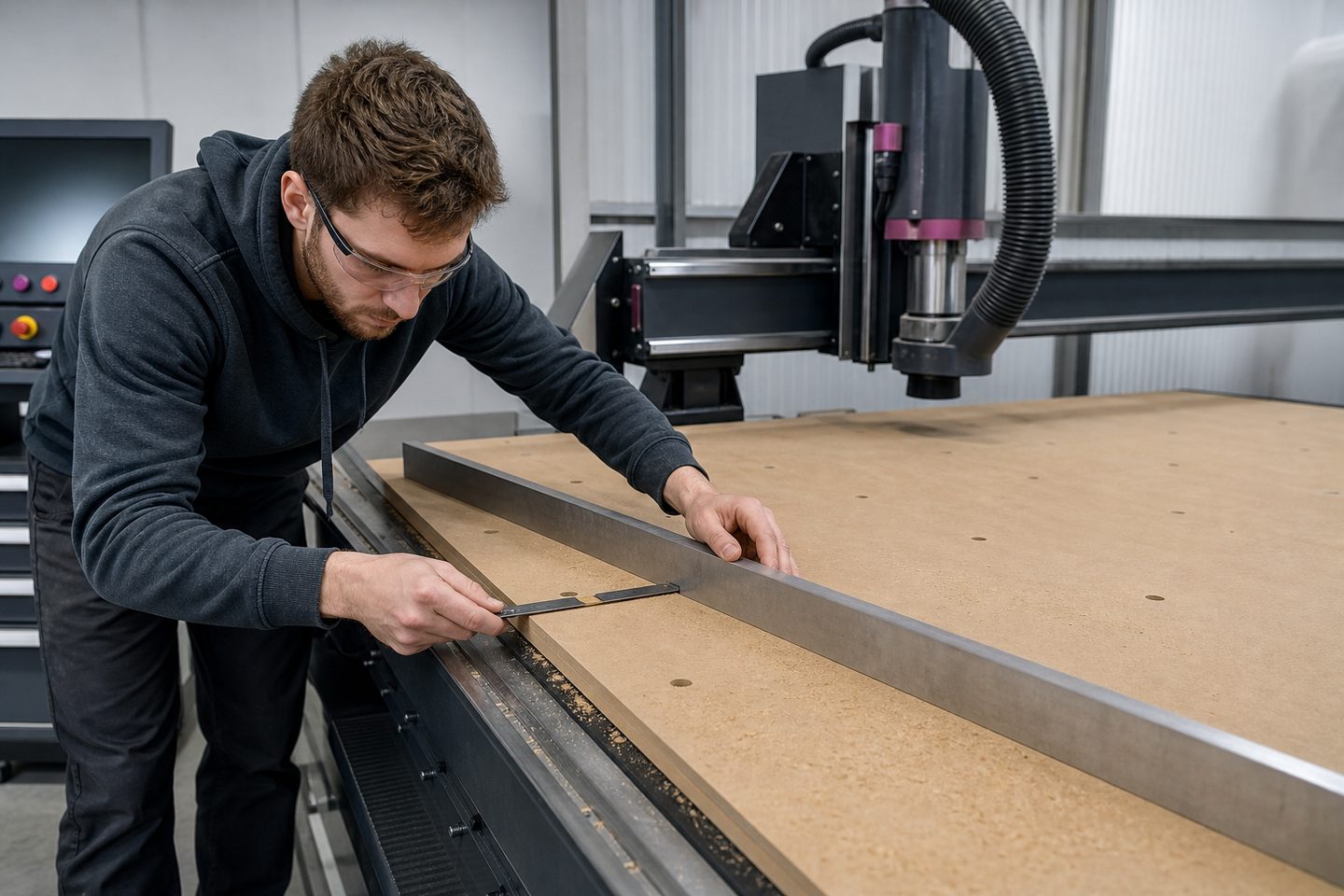
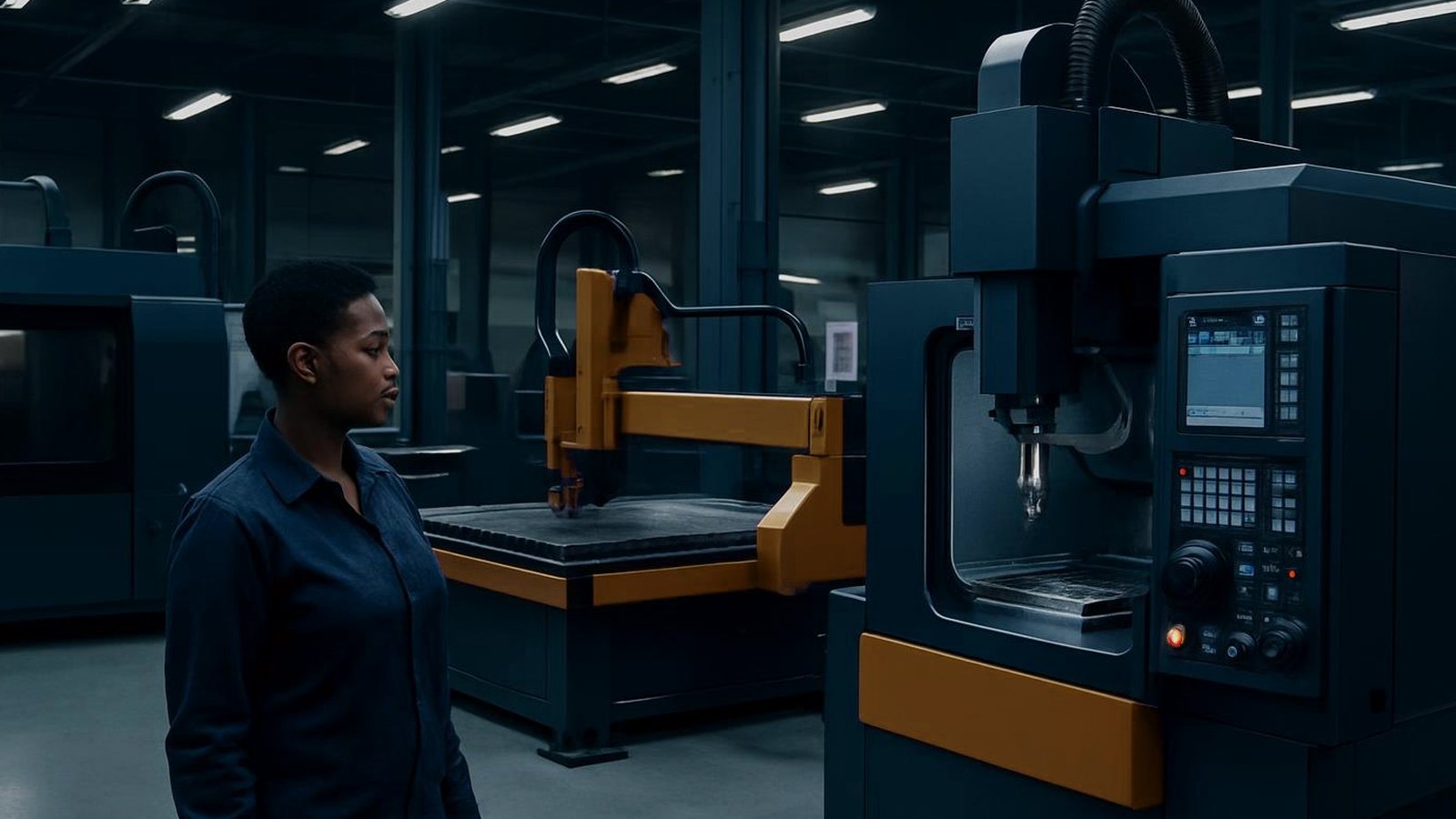
The router bed card is a free printable tool for organising bed setups, stub details and tooling on your Feature Router 1212. Keep job info clear from shift to shift.
The router bed card is made for workshops, technical schools and training centres that run the Feature Router 1212. It helps keep track of what’s set up on the router, who was last on the machine, and which tools are loaded. When more than one operator uses the router, or shifts change during the week, the card keeps everyone on the same page.
This simple card works best in places where teams rotate, or where apprentices and new operators are learning the ropes. It is especially useful in busy production bays in Germiston, Gqeberha or any high-turnover workshop where memory alone is not enough to keep track of constant change.
The router bed card has clear fields to record the most important information for the Feature Router 1212. Use a fresh card at the start of each week or job batch. Fill it in with a permanent marker and keep it pinned right next to the machine, away from dust and spray.
Stick to the essentials: only update when the setup changes. If you do not run shifts, update every week at minimum. If you need a printable copy, request the latest version from us through our contact form.
Over a month, the router bed card helps you spot patterns and prevent repeat problems. If the same issue appears, tool breakage, vacuum loss or errors after power cuts, note it on the card and discuss it with your team during the next toolbox talk. It is a useful record for operator training and a reference if a job needs to be repeated.
If you fill up a card before the week is done, consider splitting by shift or day. When recurring issues appear, use the card to trigger a maintenance check or review your setup. Remember, regular updates and accurate notes keep the machine running smoothly and everyone accountable.