Specsheet
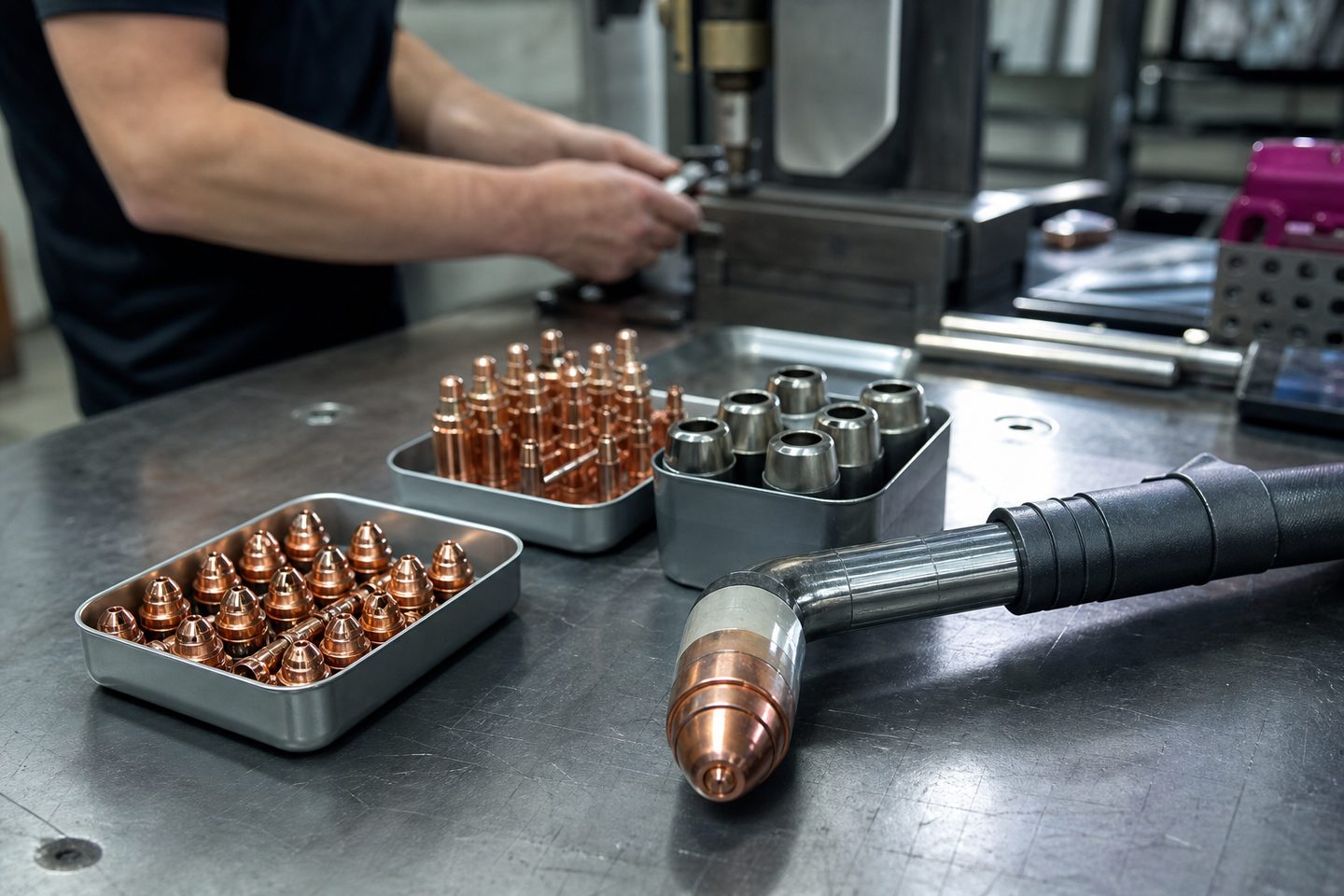
A consumable log is a simple tool for tracking cutters, tips and other high-use parts at the machine. It helps keep jobs moving, especially in busy workshops.
By Mr Ashlin Gounden, MD, Service
In most South African CNC and fabrication shops, tips, nozzles and cutter inserts get used up quickly. If you lose track, a job stops halfway and someone has to scramble for spares. This is more than a paperwork problem, it’s lost production time and risk to deadlines. We see it often with plasma tables, routers and waterjets, one worn nozzle or a missing collet can hold up a whole shift.
Keeping a consumable log right at the machine helps everyone see what is running low. It's especially useful for small teams where you do production and maintenance, fetch spares yourself, and can’t afford long breakdowns. Power cuts, late deliveries and even a misplaced box can disrupt the plan, so a working record is critical.
Keep your log simple: use a paper chart in a plastic sleeve, a clipboard, or a shared digital note if your team prefers phones or tablets. The main thing is that it is at the machine and easy to use. Don’t let it end up hidden in an office drawer.
Each time you change a tip, insert, collet, nozzle or filter, you log what was used, the date and shift, and who changed it. Add a quick note if the part failed early, if you noticed a bad cut or if something was missing. This way, you track which consumables run out fastest and spot problems early.
If you see consumables running out faster than normal, ask us to check your air supply, coolant or machine setup. Quick wear on plasma or router tips can be caused by dirty air, wrong feed rates or missed maintenance steps. Sometimes the wrong tool for the material is the culprit.
Feel free to send us a message through our contact form for advice on part numbers, setting up a tool crib, or matching inserts to your main jobs. If you have a breakdown or a part keeps failing, share photos and your log. We can help you spot patterns that may not be obvious at first.
The biggest mistake is not updating the log at the machine. It’s easy to think you'll remember later, but jobs get busy and people forget. Another issue is mixing up similar-looking parts, especially collets or nozzles. Mark shelves and trays clearly to avoid this.
Don’t let old or worn parts pile up at the back of the storage bin. Dispose of them straight away, so nobody fits a dud by accident. We sometimes see a team double order because someone already placed a part request but didnt write it down. Keeping the log up to date avoids this and gets your shop running smoother.
Continue with equipment, bays, or use our contact form.
Verified Google reviews