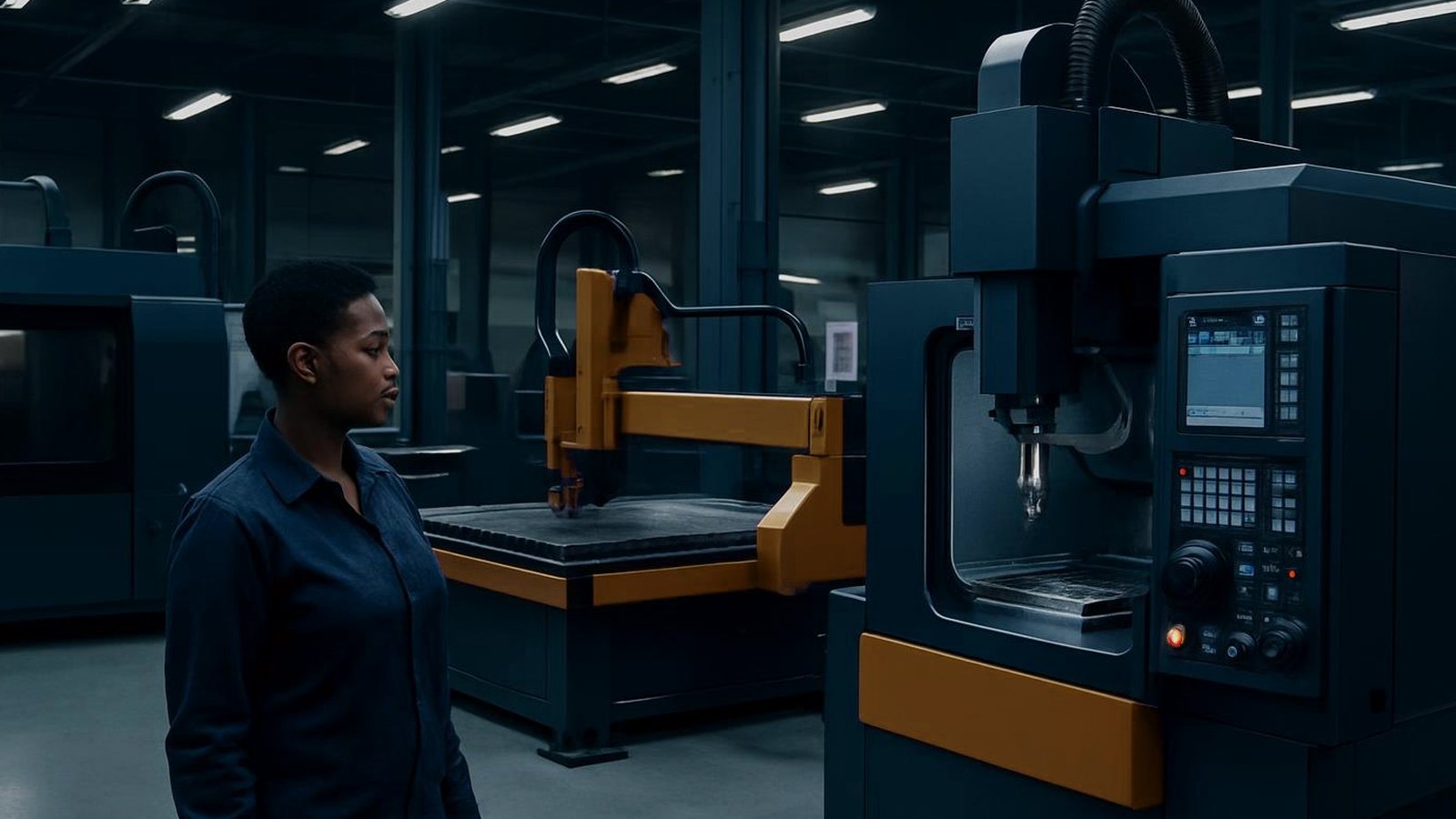
Bay
A school CNC bay equips technical classrooms and skills centres with practical, safe machining for hands-on learning, focusing on real parts and repeatable training.
Read the related specsheet notes and printable resources before you order.
In a technical school, college or training centre, students need practical CNC experience using machines that are reliable, safe and sized for group demonstrations. The typical school bay serves a mix of learners, with some moving on to trade tests, others getting first exposure to industrial machining. There are always changing lesson plans, shared machines, and new faces at the controls.
Common pain points include lost or mixed-up tooling, skipped setup steps when lessons run late, or minor crashes after a power cut. There is also the pressure to keep everything running smoothly despite tight equipment budgets, limited teacher time and regular power outages in Gauteng or KZN. Every gap in routine risks wasted material or unsafe work conditions.
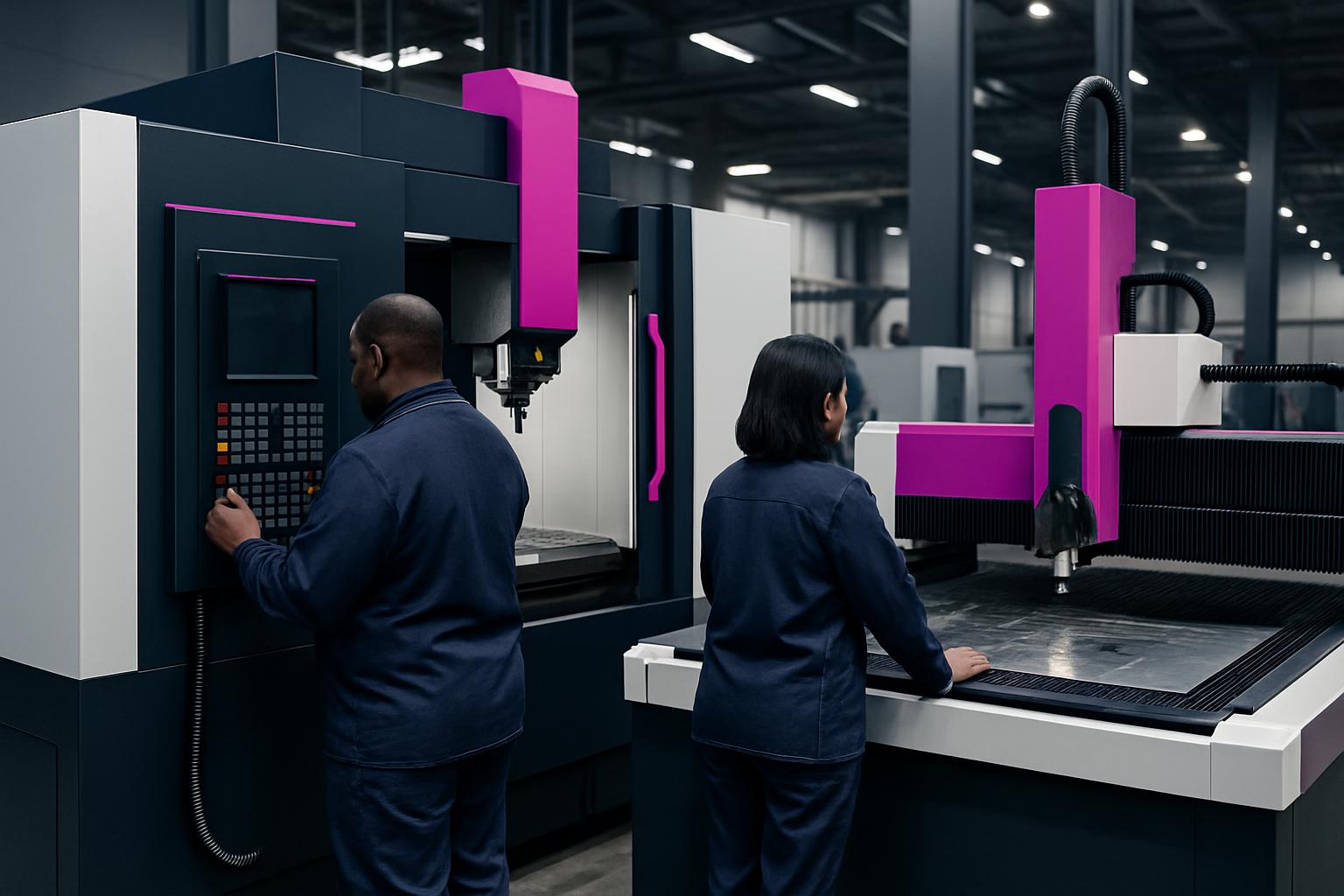
For most training floors, we recommend the Feature Router 1212 for CNC basics. With its 1200 x 1200 mm bed, USB control and vacuum bed, it is hands-on for group work but small enough to suit a classroom. Its 2.2 or 3.0 kW class spindle handles sign blanks, panel work and soft metals without overwhelming new operators.
A Feature Spindle Kit covers basic tool changes with matched ER collets and labelled trays so learning the right order is easy. Add the Feature Tool Crib for neat cutter and fixture storage, with pegboard and drawers. Clutter and missing parts are two problems that slow lessons and create safety issues. We supply all machines with guarding and clear controls for safe operation, as required by the OHS Act.
Keeping a school CNC bay running is about routine. Start each week by checking the router, spindle and tool crib. Confirm all tooling is present and undamaged, vacuum or brush down the machine and empty the dust cell filters if fitted. Check for any signs of wear, missing guards or exposed wires.
Before starting any group or individual session, walk through the safety setup: guards closed, PPE ready, work area clear and extraction switched on. With electrical power cuts still affecting some areas, protect the controller and PC with a UPS, and always re-home axes and check your work zero after power returns. Keep lesson logs to track who used which tools and what was made.
We often find that lessons go wrong when students skip safety steps or rush setup to save time. Missing tools or loose workpieces cause minor crashes or tool breakage. Poor dust extraction leads to unhealthy work areas, especially with wood or board machining, which is a real risk under the Hazardous Chemical Agents Regulations.
To prevent these, keep a written checklist posted by the machine, assign one learner as bay captain each week, and never let anyone cut without PPE. Store cutters and fixtures in the labelled tool crib, not loose on benches. After any power outage, home all axes and check work zero before running code. Regular routines and clear responsibilities keep accidents and downtime to a minimum.
Verified Google reviews