Bay
Exhibition stand builders need accurate, reliable panel work and clean engraving to meet tight build schedules and keep clients happy, even with the challenges of South African venues and road transport.
Read the related specsheet notes and printable resources before you order.
Building exhibition stands means working to strict deadlines, often with full panel runs and last-minute changes. Shops must deliver clean, accurate panels, engraved plates and brackets that arrive ready to assemble at the venue. Panels travel from Joburg or Cape Town across bumpy roads and through changing climates, so accuracy and fit matter. Missed cuts, unreadable graphics or short panels can derail the whole build, especially when you only have overnight to assemble on site.
MDF, ACM, clear plastics and aluminium all have their quirks. Edges must stay chip-free, plates must be legible, and everything must fit first time. Power cuts, dust and shifting teams add to the risk. If a job leaves the shop with errors, there is rarely time to fix it before show opening.
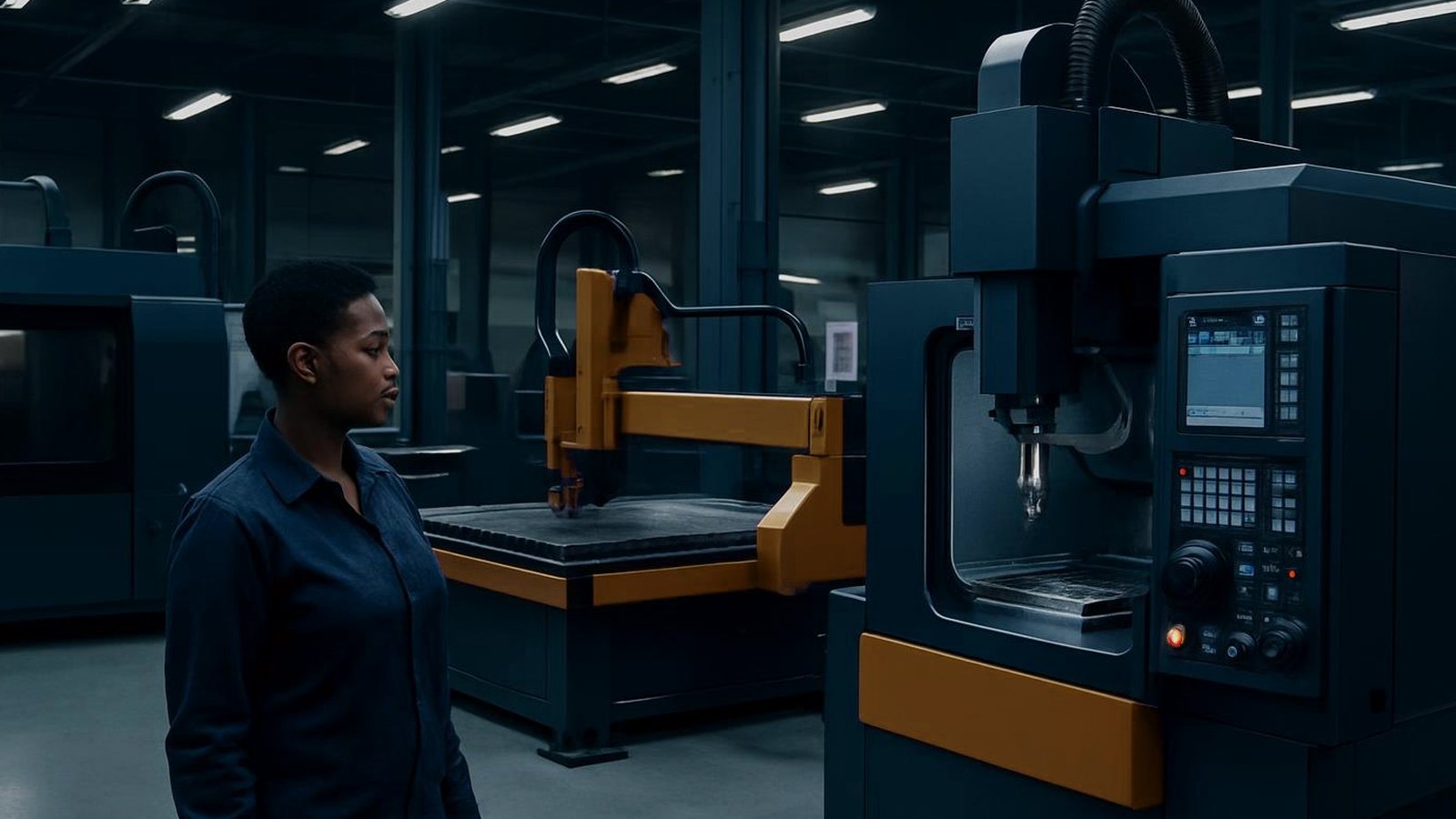
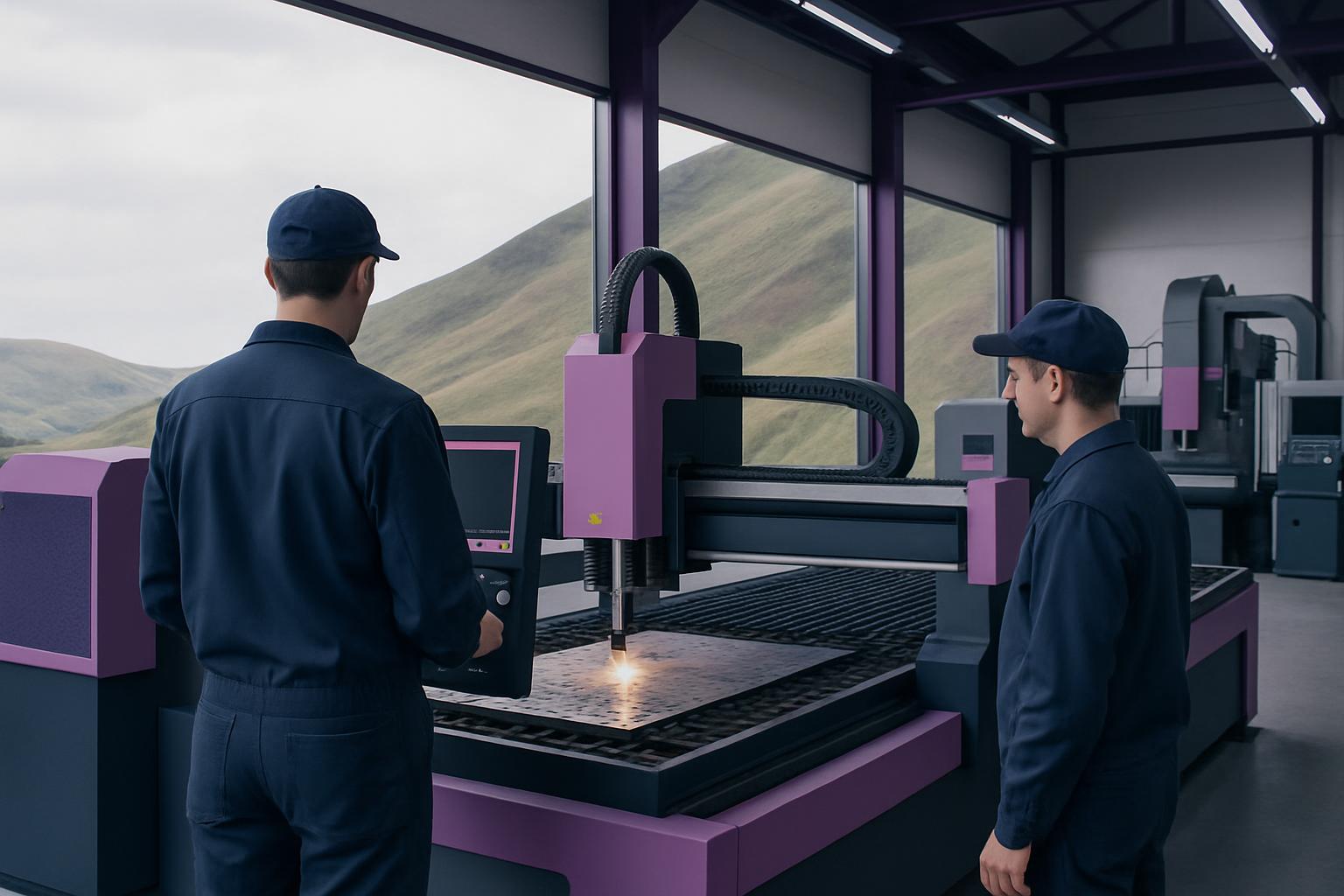
We recommend setting up your bay around the Feature Router 1212 for accurate sheet cutting and routing. This compact CNC router takes full 1200 x 1200 mm panels, handles MDF, ACM and plastics with a vacuum bed, and delivers repeatable results, which matter for modular stands and signage.
For small text, logos or name plates, the Feature Engraver Pro provides detailed engraving on plastics and metals. It is built for batch work, with a clamp tray ideal for repeat jobs like badges or directional plates. The Feature Sheet Shear rounds out the bay, letting you blank down sheet stock for manageable panel sizes or consistent strips.
Add the vacuum table pad for board hold-down, a collet tray to keep cutters sorted, the engrave clamp tray for small parts, and a dust cell to capture MDF or acrylic dust at source. This keeps both the air and the finished panels clean.
Start each week by confirming the job cards, panel nesting and material on hand. Load drawings onto the router and engraver, and test-run sample cuts or plates before starting batch work. Check your extraction system is working, especially after a power outage.
Keep tools and fixtures labelled and close at hand: collets, clamp trays and spare cutters must be easy to reach. Schedule larger panels for daylight hours if power cuts are a risk. After each run, verify panel fit and marking clarity before packing for transport. Quick checks save time lost to rework or late-night fixes at the venue.
Rushing panel work without checking dimensions and nestings leads to waste material and parts that do not fit. Skipping extraction quickly fills the bay with fine dust, which can cause health risks and damage equipment. Relying only on hand tools for last-minute cuts often means jagged edges and poor joinery.
If teams do not check for power outages or miss a homing step after an outage, you may lose reference zero and miscut a whole run. Always restart and re-home axes after a power cut before resuming work. Keep a simple log of completed panels and mark any exceptions as you go. This way, nothing gets left behind or lost in transit.
Verified Google reviews