Engrave cell
Feature Engraver Pro is a desktop engraving machine built for fine detail on small workpieces, from jewellery plates to trophies and awards. Compact, precise and easy to set up in any workshop.
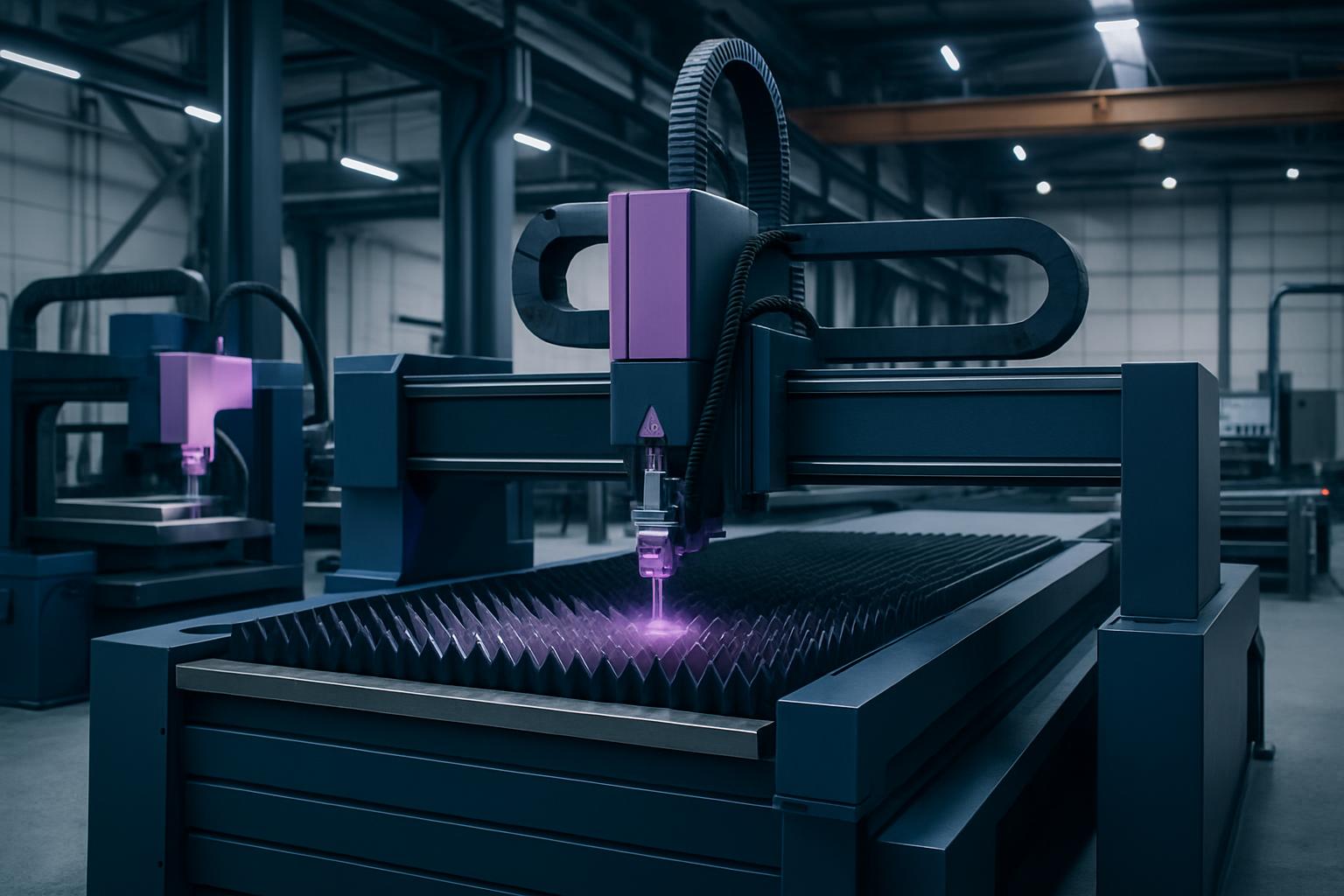
Studios pick Engraver Pro when letters and crests must stay sharp without a full router bay.
| Field | Desktop class |
|---|---|
| Bits | V + ball |
| Fixture | Clamp tray |
| Ideal for | Jewellery, awards |
| Lead | Stock Gauteng |
| Care | Bits + collets |
Feature Engraver Pro is a precision desktop engraver designed for accurate marking, lettering and profiling on a range of small, high-value parts. It comes fitted with a clamp tray to secure jewellery blanks, plaques and trophy plates firmly, letting you engrave logos, names, serials and crests with sharp edges and consistent depth.
Workshops and studios choose this engraver when they need repeatable results on short runs, where each part demands controlled detail but does not justify tying up a router or laser. If you handle custom awards, jewellery, badges or company plates, it lets you deliver sharp engravings without full-scale CNC investment.
Feature Engraver Pro is suited to soft metals like brass and aluminium, stainless blanks, as well as some plastics and coated materials used for awards and name plates. It is not suited for deep relief or hard steel marking, but will reliably engrave on materials commonly used in trophy, jewellery and signage work.
The clamp tray takes small to medium blanks typically up to the size of a business card or small trophy. If your parts are larger than a tray or require heavy machining, Feature Router 1212 or Feature Mill 3-Axis may be more suitable. For batch work, you can set up several blanks at once for efficient processing.
This engraver runs on standard 230 V single-phase power, fitting easily into most workshop layouts. Place it on a stable, level table or bench where vibration will not affect precision. No special air or water supply is needed.
For best results, keep a clean workspace and ensure you have suitable V and ball nose cutters, which we supply with a labelled tray for easy tracking. Dust extraction is not mandatory, as the machine produces only fine chips, but a small desktop extractor or our Feature Dust Cell is recommended if you run plastic or coated plates. Always have basic hearing and eye protection available, as fine cutters can generate sharp noise spikes.
A Joburg engraving shop is commissioned to produce 150 stainless steel name tags for a security firm, each with a unique serial and company logo. The operator sets up the Feature Engraver Pro on a bench near the assembly bay, using the clamp tray to hold six tags at once for batch running.
With the V-cutter fitted, the job file is loaded via USB, and the first batch is run. After every 30 tags, the operator swaps to a fresh cutter to keep the edges sharp, and uses a soft brush to clear away swarf. The entire run is finished in a few hours without tying up larger machines, and all tags are consistent in depth and clarity.
First-time users sometimes rush setup and clamp workpieces unevenly, causing slip or inconsistent engraving depth. Always check all blanks are secure in the tray and use test cuts on offcuts before running your real job.
Another common issue is running cutters too long between changes: blunt tools cause fuzzy edges and can damage fine details. Keep a log of bit use and change cutters at regular intervals. If you experience a power cut, always re-home the machine, check your zero, and make sure the workpiece is still clamped before restarting. Our team can show you this process at handover or book a refresher with Mr Ashlin Gounden if needed.
Verified Google reviews